CRM integration overview
Connect Exovo to your CRM and the phone system starts speaking customer: inbound calls show the CRM contact's name everywhere, calls and text conversations log themselves to the contact's record, and the CRM's contacts flow into the phonebook.
What the integration does
- Caller identification — unknown numbers are looked up in the CRM. Results are cached, so repeat callers are labeled instantly on every ringing phone and in call history; fresh lookups run in the background without delaying the call.
- Call and chat journaling — finished calls (optionally with a recording link and transcript) and closed SMS conversations are written to the CRM contact automatically.
- Phonebook sync — CRM contacts mirror into the Exovo phonebook on a schedule.
- Contact creation — optionally, calls from numbers the CRM doesn't know create a new CRM contact automatically.
Supported CRMs
Seventeen templates ship in the catalog:
- ConnectWise Manage
- HaloPSA
- Salesforce
- HubSpot
- Zoho
- Microsoft Dynamics
- Zendesk
- Freshdesk
- Pipedrive
- Kommo
- Bitrix24
- vTiger
- Jetpack CRM
- Direct database: PostgreSQL, MySQL, SQL Server, MongoDB
Setting it up
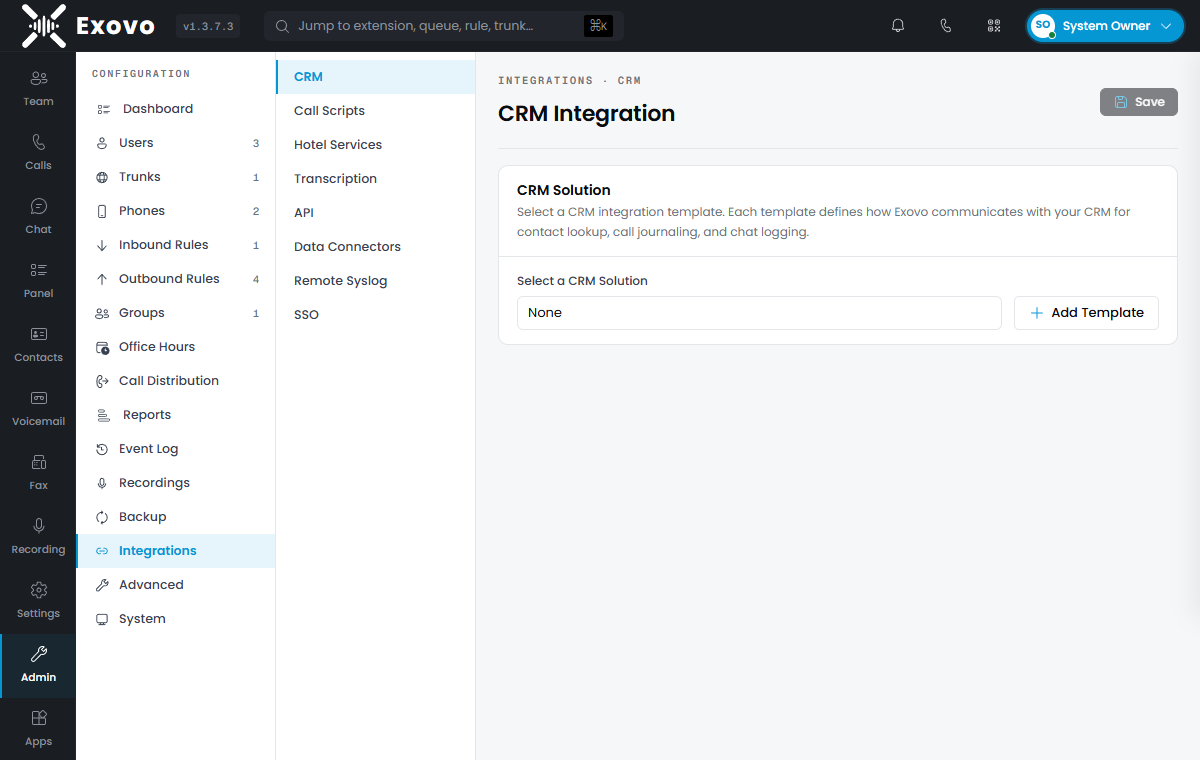
Admin → Integrations → CRM: pick your CRM from the template list and fill in the fields it asks for — typically a server URL and API credentials (stored encrypted), or an Authorize button for OAuth-based CRMs. (Some platforms — HaloPSA, for example — use OAuth client credentials instead: paste a client ID and secret, no Authorize click.) The options section controls the behaviors: caller-ID lookup (on by default), automatic contact creation, and phonebook sync cadence.
The test panel
Before trusting it with live calls, use the built-in Test panel: enter a phone number and see exactly what the CRM returns — matched contacts plus the full request/response trace, which turns "it doesn't work" into "the API user lacks read permission on Contacts" in about a minute.